Connecting Sales, Design and Manufacturing at Syena Kitchenconceptz
Discover how Syena Kitchenconceptz uses ERPNext and a custom Design Request application to connect customer orders, design approvals, engineering, BOM creation and manufacturing.
A Customized Product Does Not Begin in the Factory
For Syena Kitchenconceptz, receiving a customer order is only the beginning. A customized kitchen-equipment order can trigger a series of activities involving drawings, customer approvals, engineering changes, product modelling, production drawings, item creation, Bill of Materials (BOM) and material planning before anything reaches the shop floor.
This raises an important question: how can every stage remain connected to the original customer order?
The solution was not to introduce another standalone tool or depend on additional spreadsheets. Instead, the implementation brought the process into ERPNext and extended it with a custom Design Request application built around Syena's actual workflow.
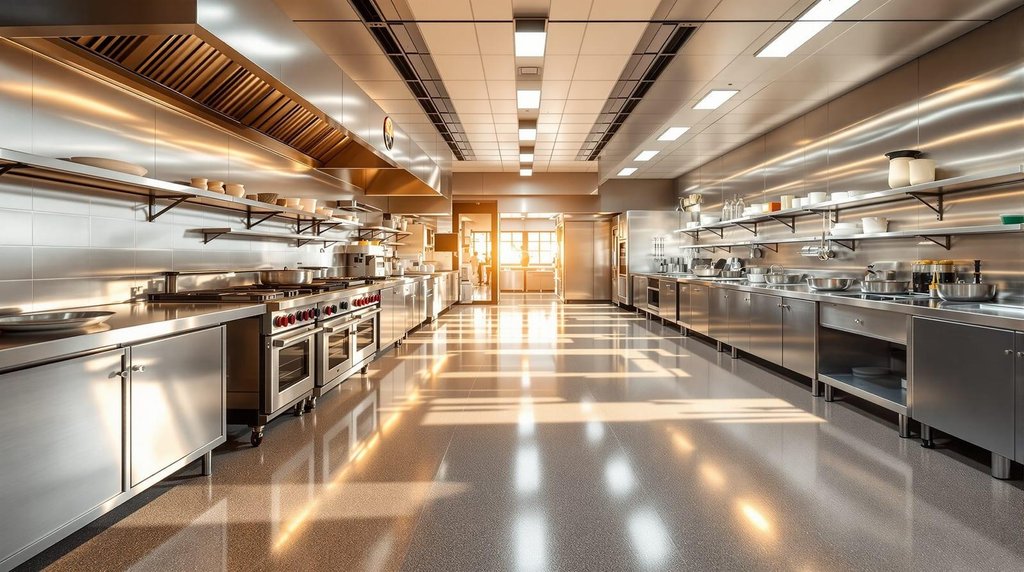
Customized kitchen solutions designed around customer requirements.
About Syena Kitchenconceptz
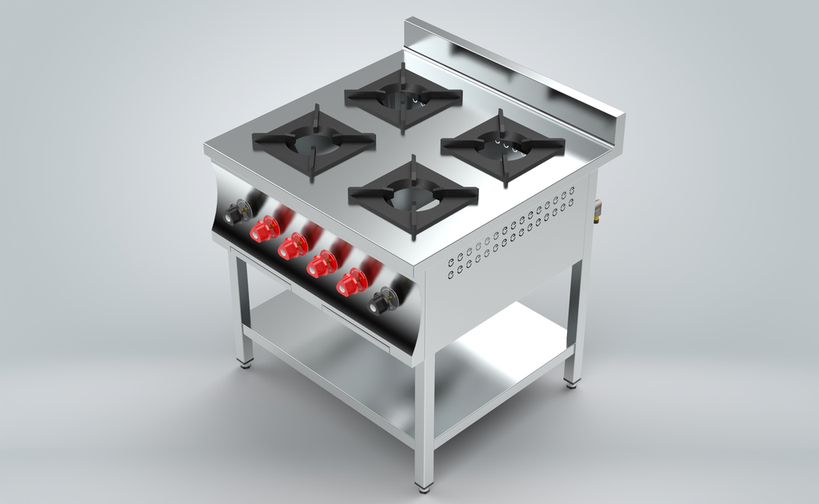
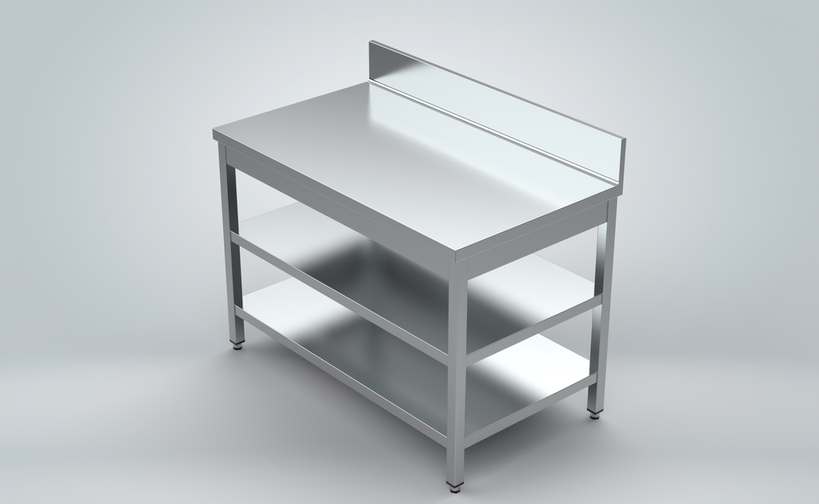
Syena Kitchenconceptz Manufacturing Private Limited is a Bengaluru-based kitchen-equipment manufacturer established in 2018. The company serves commercial and residential kitchen requirements, offering products such as range cookers, stainless-steel work tables, ventilation systems and other kitchen equipment.
The business also handles customized kitchen solutions that can move from consultation and design through manufacturing, installation and testing. Information created during design must eventually become the information the production team needs to build the final product.
The Challenge: What Happens Between the Sales Order and Work Order?
A standard Sales Order records what the customer has ordered. A Work Order tells the factory what needs to be produced. For customized products, several important activities take place between these two stages.
- Preparing and revising design drawings.
- Obtaining customer approval for the drawings.
- Converting approved designs into 3D models and production drawings.
- Assigning the final Stock Keeping Unit (SKU).
- Creating BOMs for parts and sub-assemblies.
- Completing sheet-metal nesting and material planning.
- Preparing the product for manufacturing.
The main challenge was maintaining continuity across these activities. The team needed visibility into the current design stage, the approved drawing version, task ownership, pending work and the readiness of each product for manufacturing.
The Solution: A Design Request Workflow Built Around the Order
The implementation introduced a custom Design Request application connected directly with ERPNext. Design became an integrated part of the Sales-to-Production process rather than a separate activity.
The Complete Process
↓
↓
↓
↓
1. Sales Order and Design Request
After a Sales Order is submitted, users can create a Design Request for the items that require design work. The application identifies stock items with quantities available for design and allows users to select the relevant items.
Users can also enter a partial quantity when only part of the ordered quantity requires design work. This makes it possible to divide one Sales Order across multiple Design Requests.
The application creates a Design Request for the selected batch and a separate Design Request Item for each selected Sales Order line. Each item can be assigned, tracked and printed independently.
This is especially useful when a single customer order contains multiple customized products, each with its own design requirements and timeline.
2. Drawings and Customer Approval
A design task begins in the Pending status. The Project Manager or Project User prepares the layout drawing and moves the task through the approval stages. Drawing files are maintained as versions such as V0 and V1, making revisions easier to track.
The workflow records the customer's decision:
- Approved: The task can move to the next stage.
- Rejected: The drawing is sent back for rework.
- On Hold: The task remains on hold without changing the current design stage.
3. Engineering, Modelling and SKU Creation
Once the customer approves the design, the Design Manager or Design User takes the task through Design, Modelling and Production Drawing.
If the customer requests a change at a later stage, the task can return to Modelling, and the revision count is increased. This helps the team manage design changes within the same workflow.
During SKU Generation, the final item code is entered. If a suitable catalog item already exists, its code can be used. For a new customized product, a temporary placeholder such as Custom Built Item can be replaced with the actual finished product.
This connects the engineering output with the item master used in ERPNext and prepares the product for subsequent manufacturing activities.
4. BOM, Nesting and Material Planning
One of the key capabilities of the custom application is converting engineering information into a usable BOM. The designer can link an existing BOM or upload a parts-list sheet from CAD and use the Generate BOM from Sheet functionality.
The process supports the following activities:
- Creating missing items with automatic item codes and barcodes.
- Identifying parts and sub-assemblies from the source sheet.
- Calculating stainless-steel sheet requirements using length, width, thickness and material density.
- Building BOMs from lower-level parts and sub-assemblies up to the final product.
- Checking raw-material totals against the source data.
- Reusing existing records when the process is run again, helping prevent duplicate records.
This helps bridge the gap between engineering design and the structured material information required by manufacturing.
Once the BOM structure is ready, sheet-metal parts can be arranged on stainless-steel sheets through nesting to help minimize material waste. After the activity is completed, the task is marked as nesting completed.
5. Sales Order Update and Work Order
Using the Update Item in Sales Order functionality, users can replace the placeholder item on the original Sales Order line with the actual finished-good item.
This keeps the customer's original order connected to the product that has been designed and prepared for production.
A design task cannot be marked as Completed unless the final item code and BOM are available. Once the task is completed, the application automatically creates a Work Order and links it back to the design task.
The production team can therefore continue with the same product definition prepared during engineering, without losing the connection to the preceding design activities.
Better Visibility for Managers and Teams
A useful workflow should do more than move tasks between statuses. It should help teams understand what is happening and identify what needs attention.
- Who is responsible for the current design task?
- Has the customer approved the latest drawing?
- Is the product still being modelled, or is the production drawing ready?
- Has the final SKU been assigned?
- Has the BOM been created?
- Has nesting been completed?
- Is the design ready for manufacturing?
- How long has the task remained open?
The application records who changed each status and when. Project Manager and Project User roles handle drawings and approvals, while Design Manager and Design User roles manage modelling through nesting.
Tasks that remain open for more than seven days are flagged for attention, helping the team identify delays and follow up on pending activities.
Razorpay Integration: Connecting the ERP Journey to Payments
The implementation also included Razorpay integration for online payments. This brings payment processing closer to the ERP environment and reduces the need to manage payment information as a separate process.
While the Design Request application addresses the core Sales-to-Production workflow, Razorpay integration extends the wider customer journey by connecting order-related processes with online payments.
What This Changes for Syena
The value of the implementation comes from connecting individual activities into one continuous process.
More Than an ERP Workflow
What makes this implementation different is not simply the number of screens or features involved. It is the way the workflow follows the actual journey of a customized product.
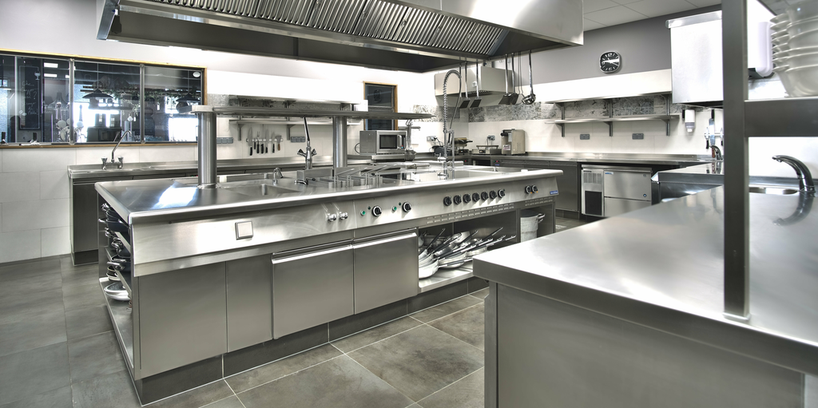
Customers think about their kitchen, its dimensions, the equipment they need and how that equipment should work. Sales captures the requirement. Design gives it shape. Engineering makes it manufacturable. The factory then turns it into a physical product.
The custom Design Request application provides these teams with a shared connection throughout that journey. It keeps the original order linked to the decisions, drawings, engineering data and production activities that follow.
Looking Ahead
A Foundation for the Next Stage of Growth
As Syena continues to handle both standard equipment and customized kitchen projects, a structured process becomes increasingly valuable. New products, changing customer requirements and engineering revisions can be managed within a framework that connects Sales, Design and Manufacturing.
The objective was never simply to put Syena's existing process into ERPNext. It was to make the process easier to follow, easier to control and easier to carry from one team to the next.
Industry: Kitchen Equipment Manufacturing
Solution: ERPNext, Custom Design Request Application and Razorpay Integration
Location: Bengaluru, India
No comments yet. Login to start a new discussion Start a new discussion