Naming Settings and Naming Rule
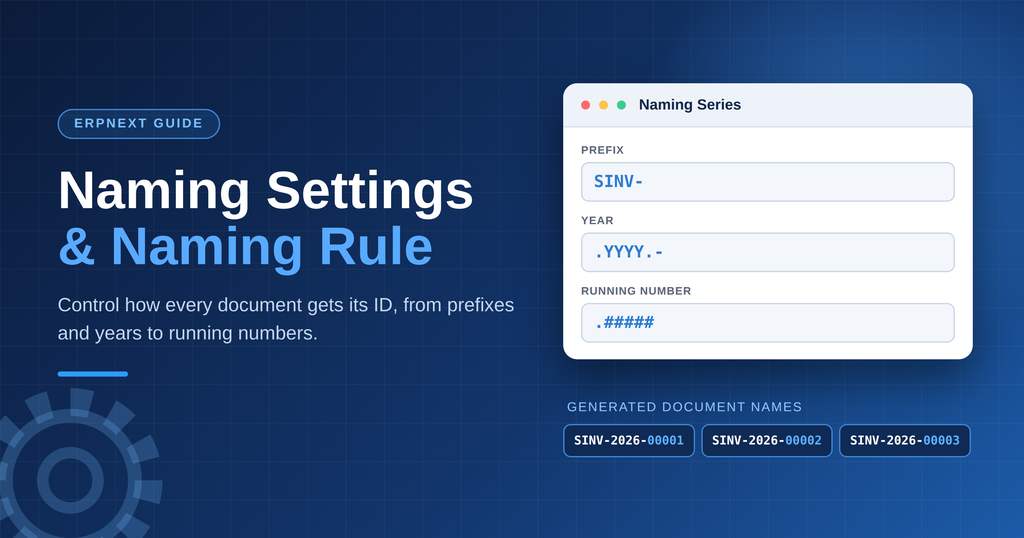
Naming Settings in ERPNext define how unique identification numbers are automatically generated for different documents, they also support department-wise bifurcation of naming series within the same
What are Naming Settings?
Naming Settings is the configuration area in ERPNext where
administrators can define how document names should be generated.
It provides control over the naming behavior of different DocTypes.
Importance of Naming Settings
- Automatic document numbering
- Avoids duplicate document numbers
- Reduces manual errors
What is a Naming Series?
A Naming Series is a predefined format used by ERPNext to automatically generate unique names for documents.
Instead of manually entering a document number every time, ERPNext automatically generates it based on the configured naming pattern.
For example:
- Timesheet: TS-2026-00001
- Purchase Invoice: PINV-2026-00001
Suppose the Naming Series for Timesheet is:
TS-.YYYY.-#####
ERPNext may generate:
- TS-2026-00001
- TS-2026-00002
- TS-2026-00003
- TS-2026-00004
Here:
TS→ Prefix representing Timesheet.YYYY.→ Current year00001→ Automatically generated sequential number
This reduces manual work and prevents duplicate document numbers.
Note: ERPNext allows up to 140 characters for the Naming Series configuration.
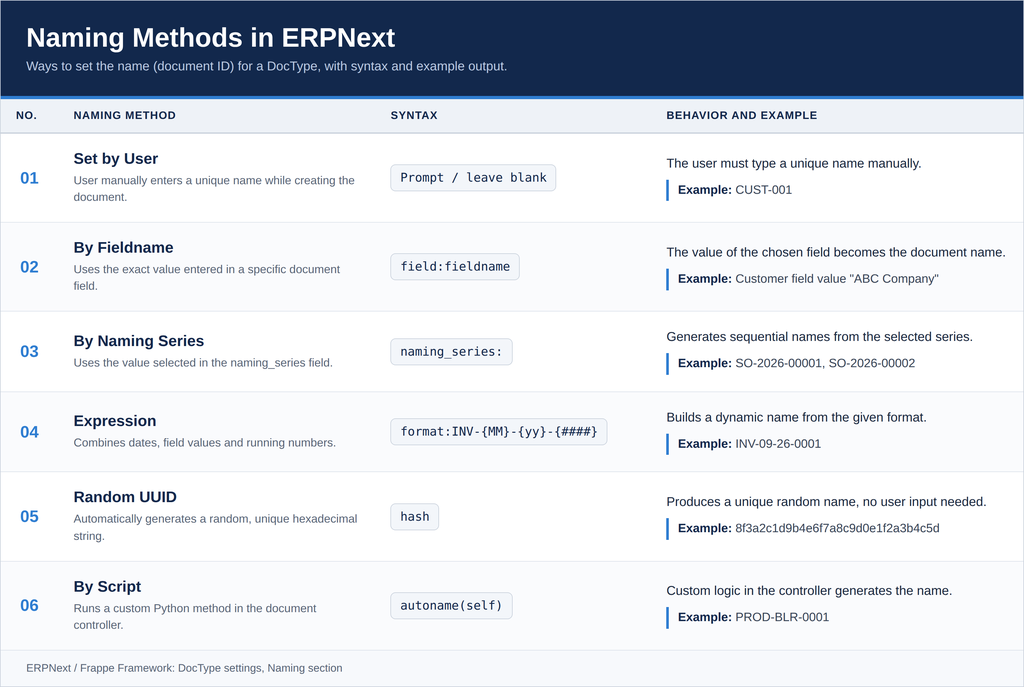
Two Ways to Configure Naming Series
There are two ways to configure Naming Series in ERPNext:
- Customization Level
- Document Naming Rule
How to Create a Naming Series at the DocType Customization Level
- Go to the required DocType.
- Click the Menu bar.
- Go to the Details tab and click on Naming.
- Select the required Naming Method.
- Set the Naming Series according to your requirements.
- Click the Save/Update button.
How to Set Naming Series at DocType Level
Creating a Naming Series Using Document Naming Rule
- Go to the Awesome Bar.
- Search for Document Naming Rule.
- Click Select Transactions.
- Select the required DocType.
- Select the Naming Series according to your requirements.
- Click the Update button.
- To change the starting sequence, open Update Series Counter.
- Select the required prefix and set the counter to 0.
- Click Update.
How to Set Naming Series Using Document Naming Rule
Importance of Naming Series
- Unique Identification
- Automatic Number Generation
- Easy Document Tracking
- Business-Wise or Branch-Wise Identification
Conclusion
Naming Series is a small but important feature in ERPNext. It helps organizations automatically generate unique, structured, and meaningful document numbers.
A well-designed Naming Series can improve:
- Document Tracking
- Data Organization
- Searchability
- Auditability
- Business Process Identification
- Overall ERP System Usability
Therefore, organizations should carefully design their Naming Series and Naming Rules according to their business requirements before starting large-scale transactions in ERPNext.
No comments yet. Login to start a new discussion Start a new discussion